
Type Vietnamese the light way on Windows
Dấu Việt is a Telex/VNI input method written in plain Win32 for 64-bit Windows. A 313 KB download unzips to a single executable that runs straight away — and never sends a byte off your machine.
- Telex and VNI, precomposed Unicode (NFC) output
- Modern
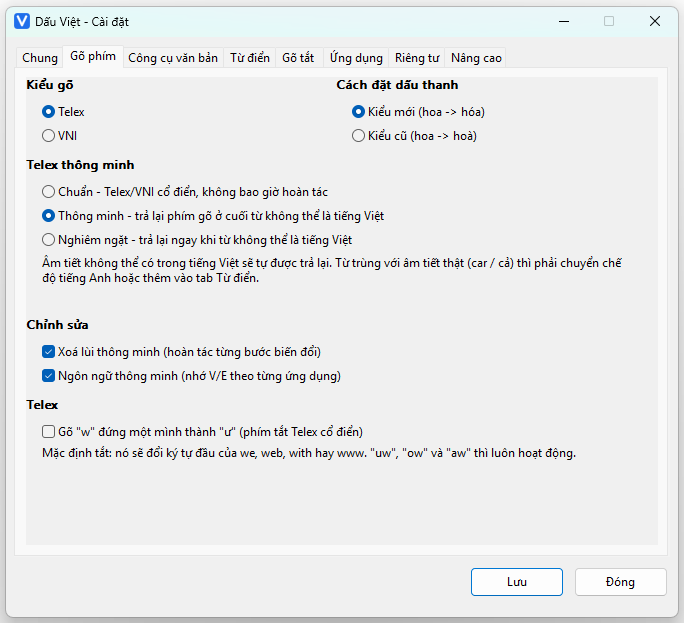
hóaor classichoàtone placement - Smart Telex: gives your keystrokes back when a word is not Vietnamese
- No telemetry, no keystroke log, no network access
downloads so far
You don't have to take our word for it. DauViet.exe inside the zip
has the SHA-256 hash below; check it after extracting, and open the scan report
to see for yourself.
13908d5417742610f1b8c63c31ca8d69b8f883590ad40f17dd80a18d5db7a9fb
What Dấu Việt does
A complete input method, plus the text tools Vietnamese typists actually reach for.
Telex & VNI
Both familiar layouts, with tone marks placed by real Vietnamese syllable
rules — including the awkward cases like quáy, giá,
rượu and hoặc.
Smart Telex
Three levels: standard, smart and strict. On the smart level a word that
cannot be Vietnamese is handed back exactly as typed — text stays
text instead of becoming tẽt.
Smart Backspace
Backspace unwinds one transformation at a time: tiếng →
tiêng → tiên, instead of chopping off a finished
character.
Per-application language
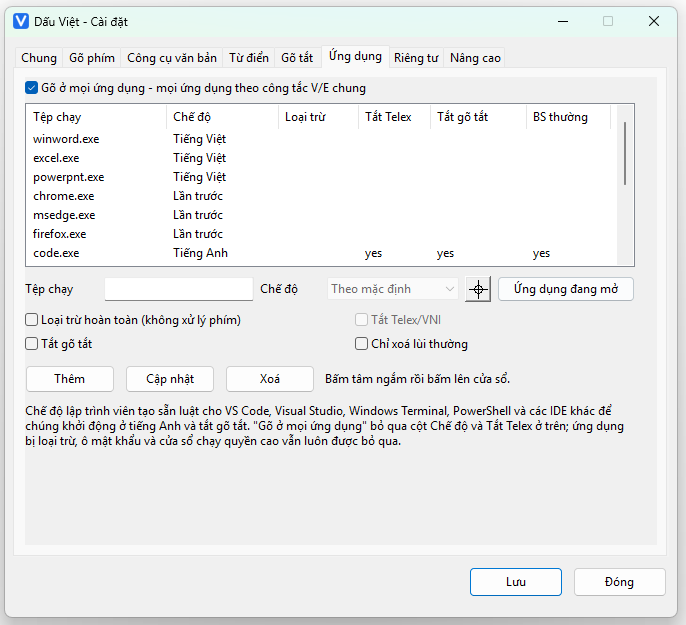
Remembers the Vietnamese/English state for each application, has a developer mode for IDEs and terminals, and a crosshair button to pick a window by clicking it.
Text tools
A command palette on Ctrl+Alt+Space with 24 commands: change case, strip diacritics, normalise Unicode NFC/NFD, VIQR, clean whitespace, sort lines…
Snippets & personal dictionary
Your own abbreviations such as @@mail with date/time variables,
plus a list of words the engine must never transform (ChatGPT, JavaScript,
GitHub…).
Light enough to forget it is running
Written in C++20 and plain Win32 API — no Electron, no .NET, no bundled runtime.
No busy loops, no polling timers: the engine only wakes up on a real keystroke. Settings live in a handful of JSON files you can read in Notepad, and there is a portable mode for carrying it on a USB stick.
Privacy is architecture, not a checkbox
The points below are how the software is built, not promises in a document.
Dấu Việt never
- Sends what you type to the Internet — there is no network code in the project at all
- Writes a keystroke log or an input history
- Reads or writes the clipboard on its own
- Asks for administrator rights
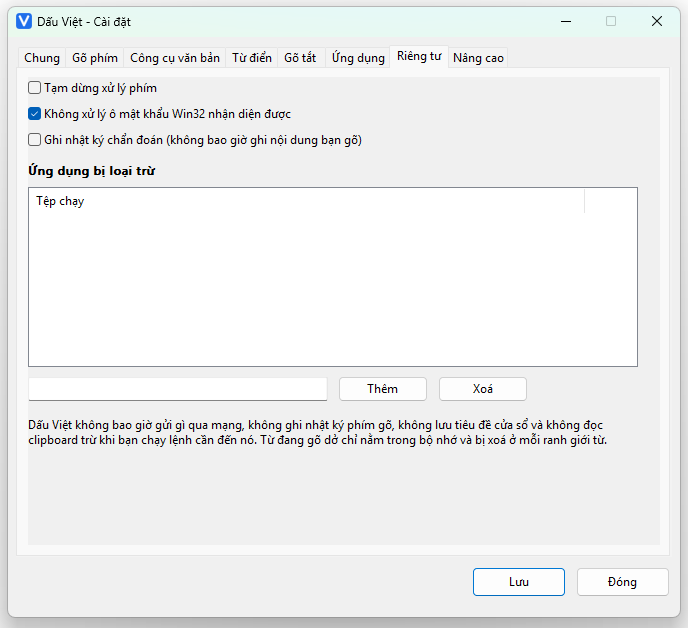
- Processes keys in a Win32 password field it can recognise
You stay in control
- Suspend the engine in one click
- Exclude any application completely
- The diagnostic log is off by default and never contains what you typed
- Every setting lives in your own folder — delete it and nothing is left
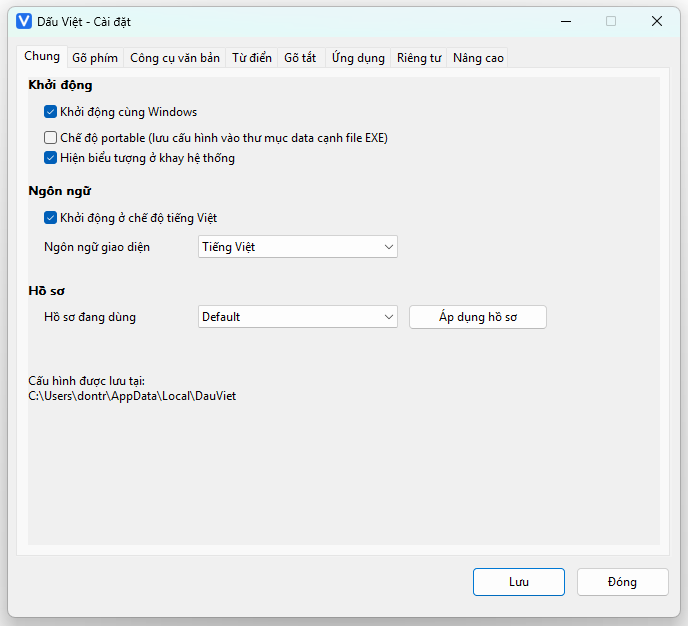
A look at the interface
Native Win32 windows, bilingual Vietnamese/English, scaling with your Windows display setting.
Download and type within a minute
No installer, no account, no ads. Download the zip, extract it, verify the hash, run it — the V badge in the notification area means you are done.